Documents
Insurance · license · W-9
On file with the builder
Solutions · Subcontractors
An invoice sent from the phone, a proposal drafted, a certificate renewed from site, a start date confirmed and the money in by ACH — the paperwork done while you work.
Live · Volt Electric · this week

Documents
Insurance · license · W-9
On file with the builder
Schedule handoff
Lot 14 · rough-in
After framing · week 12
Bid request
Northside Homes
Rough-in, Lots 15–18 · by link
Getting paid
Invoice #214 · Lot 14
Sent$0
Invoice ready to send
Rough-in, Lot 14Waiver 0/1
Just now
A proposal drafted, photos filed from the scaffold, an invoice sent before you leave site, a waiver signed with your thumb — and the money in. Watch a sub's week run itself.
A builder runs BulletDraw; you get the side of it that is yours — from asking for the job to being paid for it, and never a bill for any of it.
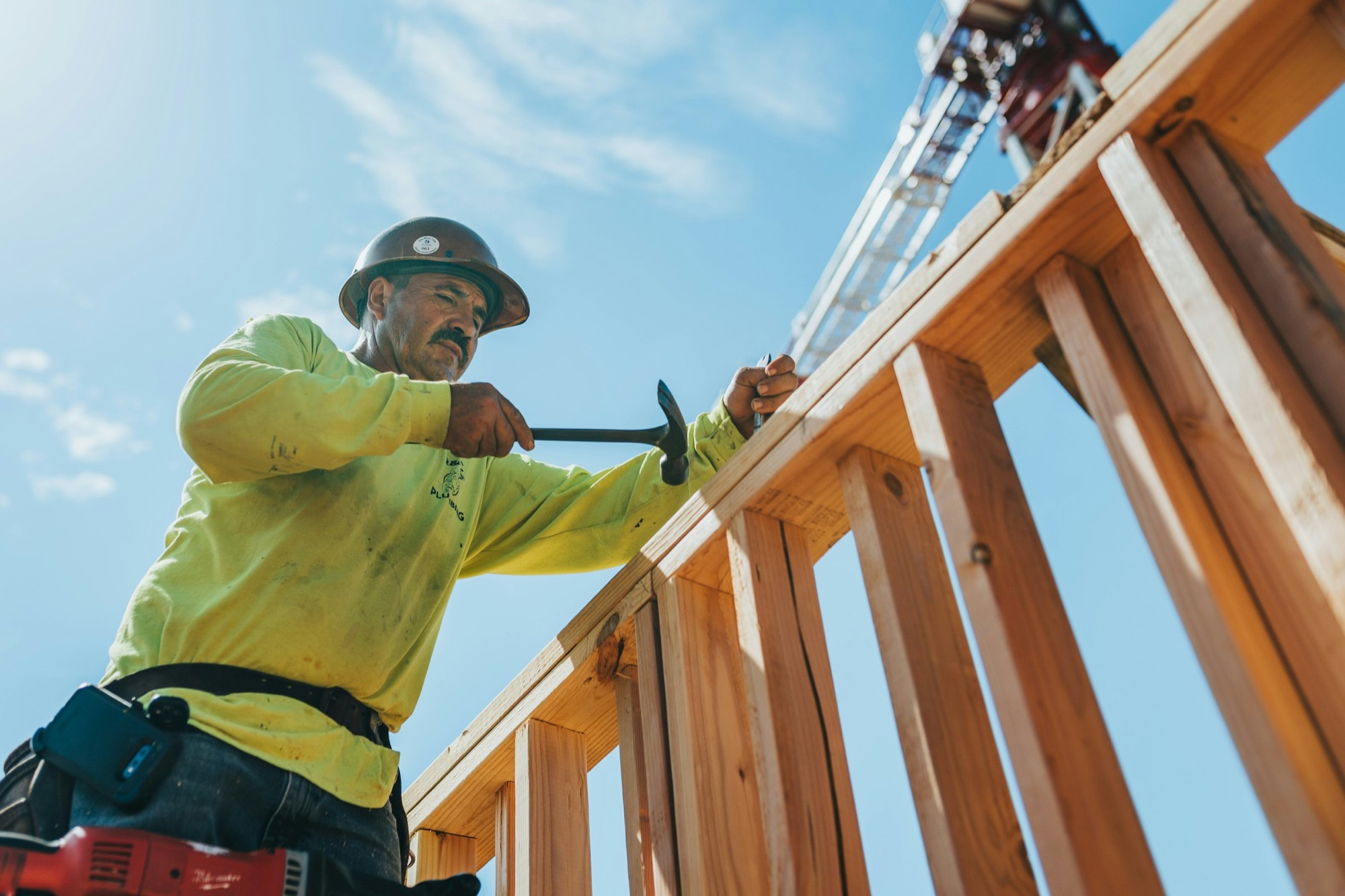
Everything above works standing in the mud with one bar of signal — photograph the work, raise the invoice against the job you are standing on, sign the waiver with your thumb, and send the builder the paper they asked for without going back to the office for it.
Four automation agents draft the proposal, keep your certificates current, price the invoice and fill the waiver — then hand each one to you to send or sign.
A bid request arrives with the scope and the drawings, and a first proposal is already written from that scope in your own voice. You price it and send it.
A blank page per bid
Insurance, licences and your W-9, read and kept current across every builder you work for — and the reminder reaches you before anything lapses and stops a payment.
Emailing the same COI four times
Your invoice is priced off the bid you already sent, with retainage worked out for you, ready to submit before you leave the site.
Re-typing the bid as an invoice
Your state's own form, filled for the draw it belongs to and signed from your phone — and the unconditional never goes out before the money has settled.
Printing, signing, scanning
Every result waits for a person to confirm. Nothing is approved, submitted or paid by AI.
Five steps, and you can see which one your money is on.
From the portal, or from the paper you handed over. AI reads the lines; the builder confirms them onto a budget line.
Your invoice rides the builder's draw to the bank. You see where it is.
On the statutory form for the state, the amount filled from the draw, signed electronically on any device.
ACH with no bank sign-up and no KYC on your side, or a printed check from the builder's numbered check profile.
When the ACH settles, the unconditional waiver goes to the builder. Not before.
Framers, carpenters, surveyors, electricians — the portal works for every one of them.



Everything a builder asks of you arrives as a link that works without an account. The portal is for when you want it all in one place.
Quote from the emailed link. No account, no password. The portal is where you find it again.
Link · no account
Confirm the purchase order and the date you can deliver from the link the builder sends.
Link · no account
Acknowledge that the trade before you is done and you are starting, from a link.
Link · no account
A builder asks for a certificate, a W-9, a license. You answer from the link; the AI reads the expiry date off it.
Link · no account
One login. If you are a subcontractor and also a member of a builder's organization, you switch between the two workspaces from the same account.
Dual workspace
The BulletDraw mobile app runs on iOS and Android on the same account, and includes the subcontractor portal.
iOS · Android
Your builder runs BulletDraw. You get the portal, the waivers on the right form, and the money by ACH without a bank sign-up.
Works with any lender · Subs answer from a link