Industries · Residential
Residential construction. Every draw, any lender.
Single-family homes, spec builds and custom residences. BulletDraw runs every draw from foundation to certificate of occupancy, in the template your lender already uses.
- Steps in a draw
- 6
- Steps in a draw
- Statutory waiver forms
- 200
- Statutory waiver forms
- Lender
- Any
- Lender
- Sign-ups for your subs
- 0
- Sign-ups for your subs
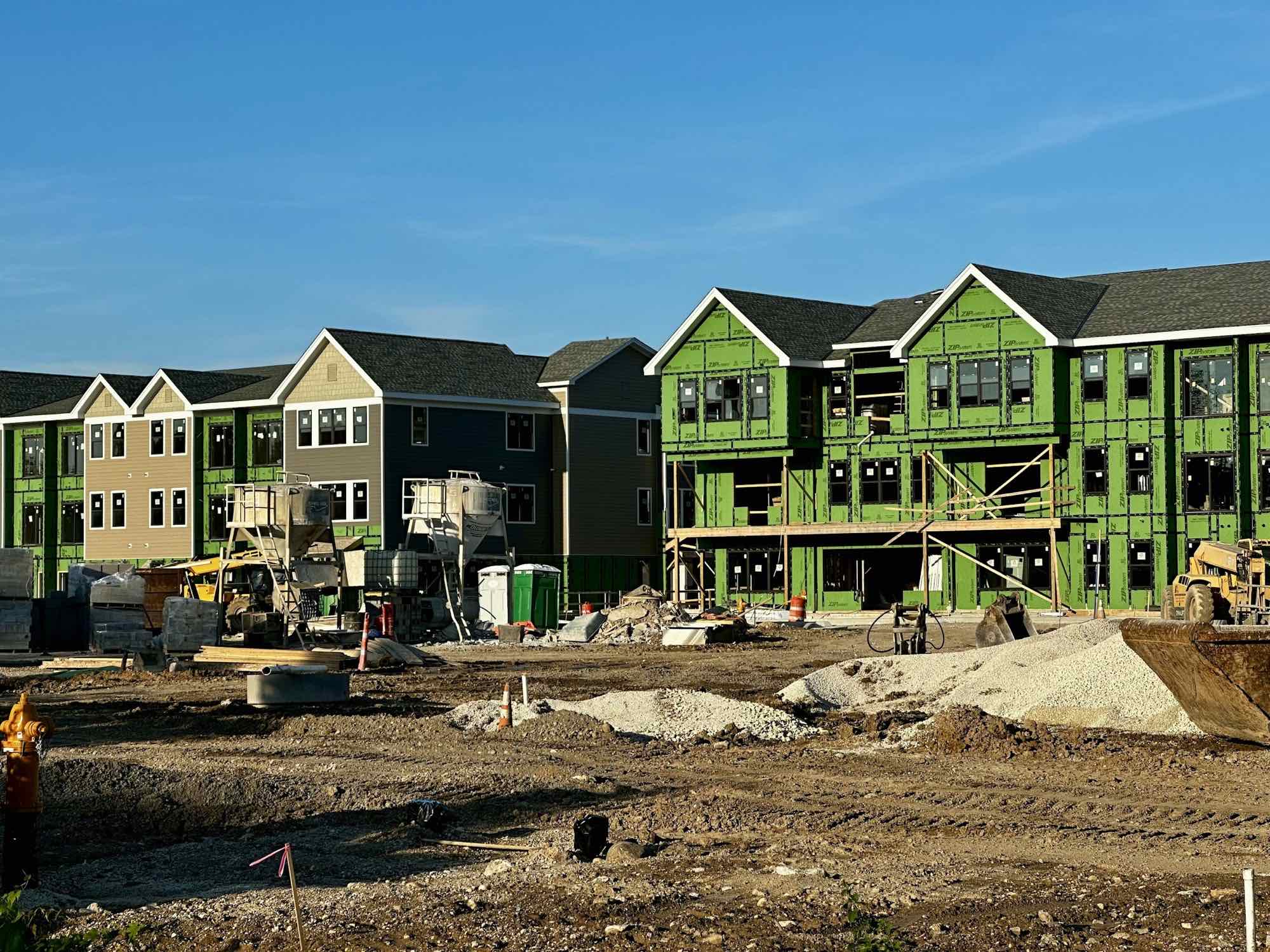
The residential draw cycle.
Every draw on a build is the same six steps in the wizard. Here is how a single-family job reads in the product's own vocabulary.
- 01
Foundation — Draw 1
The concrete sub's invoice is dropped in and AI maps it to the foundation line. COI and W-9 clear the payment gate. Conditional waiver signed through DocuSign. Package built in the bank's own template.
- 02
Framing — Draw 2
Frame up, roof sheathing on. Several sub invoices, each extracted and confirmed line by line. Previously funded is carried per line. Every conditional waiver is signed before the package leaves.
- 03
MEP rough-in — Draw 3
Plumbing, electrical and HVAC. The rough-in inspections sit on the schedule, the inspector's checklist answered from a link. Pay readiness shows every trade clear or held.
- 04
Drywall and insulation — Draw 4
Percent complete set per phase, progress photos attached to match. Unconditional waivers for draws 1–3 already released — each went out when its ACH settled.
- ✓
Final draw — Funded
Punch list cleared. Final conditional waivers collected and the package submitted; the lender answers on its dashboard. Unconditional finals release on settlement, and the annual 1099 subcontractor payment summary is a report.
From foundation to CO — every draw in the lender's template.
AI reads every invoice
PDF, photo or scan. Vendor, amount and cost code come out mapped to a budget line, with retainage and net computed. You confirm each line; you never re-key.
Invoices · quotes · proposals→
Any lender, any bank
Community bank, credit union, USDA, FHA, conventional, hard money. Upload the lender's own Excel draw form once and every draw fills it. No bank integration to wait on.
The bank's own template
Sub compliance with two gates
Your framer, plumber and electrician answer a document request from a link — no account. AI reads the expiry off the COI, a reminder ladder chases renewals, and each requirement gates award and payment: none, warn or block.
234 document types→
Progress photos per phase
Percent complete and photos per phase on the fourth step of the draw. Site photos can be marked up, and a public upload link lets the crew add them from the site without a login.
Photos & progress
Lien waivers, all 50 states
Five waiver types on 200 statutory forms, auto-filled per payee and per draw, e-signed through DocuSign. The unconditional goes out when the ACH settles, not before.
200 forms · DocuSign
Pay by ACH or check
Subs are paid through Moov ACH with no account or bank sign-up on their side, or by a printed check from a numbered profile. A photo of a check becomes the payment record.
Moov ACH · checks · check scan
Two engines, one house.
The AI Draw Engine builds the package and moves the money. The Compliance Engine decides who can be paid on it. A residential builder usually starts with these two and adds scheduling when the next lot breaks ground.
Residential draws, in your lender's template.
Any lender. Subs answer from a link. Show us a real draw and we will run it on the engines you need.
Works with any lender · Subs answer from a link